Ever want a miniature sword to look like it’s glowing with energy? A lightsaber or lightning power sword of some sort, perhaps. Or maybe you want understand how to paint an object glow effects but don’t know where to start. This practice drill teaches you the object source lighting (OSL) technique on a flat surface or a simple blade silhouette. You’ll train your eye for value mapping, build smooth blends with thin layers, and create that luminous “light-from-within” look.
“Contrast does the work. Color takes the credit”
In this article, I’ll show you how to practice a way to create glowing lightning effects through clear value mapping and easy layering. You’ll set up a black-primed surface, sketch a clean silhouette, place a bright white core, bridge values with a blue-white mid-tone, and stack thin layers for a smooth transition. You’ll finish with optional lightning filaments, crisp edge highlights, and quick fixes for common issues. No airbrush required.

What you’ll learn
- How to map values for a convincing glow.
- A layering recipe that blends white → blue smoothly.
- Practical troubleshooting for streaks, chalkiness, and dull glow.
(Hint: You can use any “color” that you want. I’m just using blue.)
Tools and colors
- Primer: matte black primer
- Sketch: white pencil (or white paint marker)
- Paints (ScaleColor shown, but use whatever color you’d like): Tesla Blue, Sky Blue, Caribbean Blue, Pure White
- Brushes: Use the biggest brush you can control. Both a pointed-round brush or mid-size layer brush work well.
- Palette + clean water, paper towel, optional glaze medium (how to thin paints)
Quick recipe (practice surface)
Prime black → sketch a blade silhouette → flat Tesla Blue base → Pure White center-line → mid-tone (Tesla Blue + White ~1:1) at the boundary → thin layers to blend → sharpen the white core → Perform the same technique on a miniature.

For a related on-model approach, see: How to paint power swords and weapons.
Step-by-step tutorial (no airbrush required)
1) Prime for contrast
A black field makes your brightest values read clearly. Spray a smooth matte black coat and let it cure. Prefer brush priming? Use this brush-on primer guide. For options, see the spray primer guide and these priming hacks.


2) Sketch the blade silhouette
Lightly sketch a simple blade shape with a white pencil. Keep lines faint; they disappear under paint. A straight spine helps later when you place the core.


3) Establish the darkest chroma: Tesla Blue
Lay down 2–3 thin coats of Tesla Blue inside the outline. Let each coat dry for a streak-free foundation. If coverage fights you, review layering fundamentals here: layering to blend.


4) Place the light source (the “core”)
Paint a center line in Pure White from “hilt” to tip of your silhouette. Keep it straight and slightly tapered near the tip. Any white paint will do. I know this is a popular white foundation paint a lot of hobbyists use.


5) Value mapping: plan the falloff
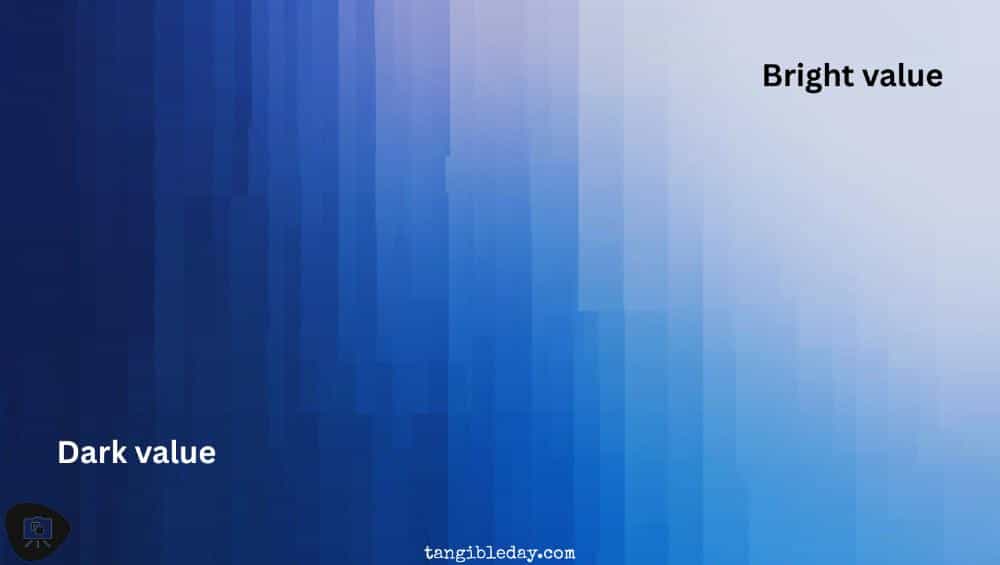
Your glow reads when values drop predictably from the core. Aim for brightest at the core, a mid-tone band, then darker toward the edges and the black surround. For blend planning, revisit the basecoats, layers & glazes guide.
6) Mix the mid-tone and bridge the gap
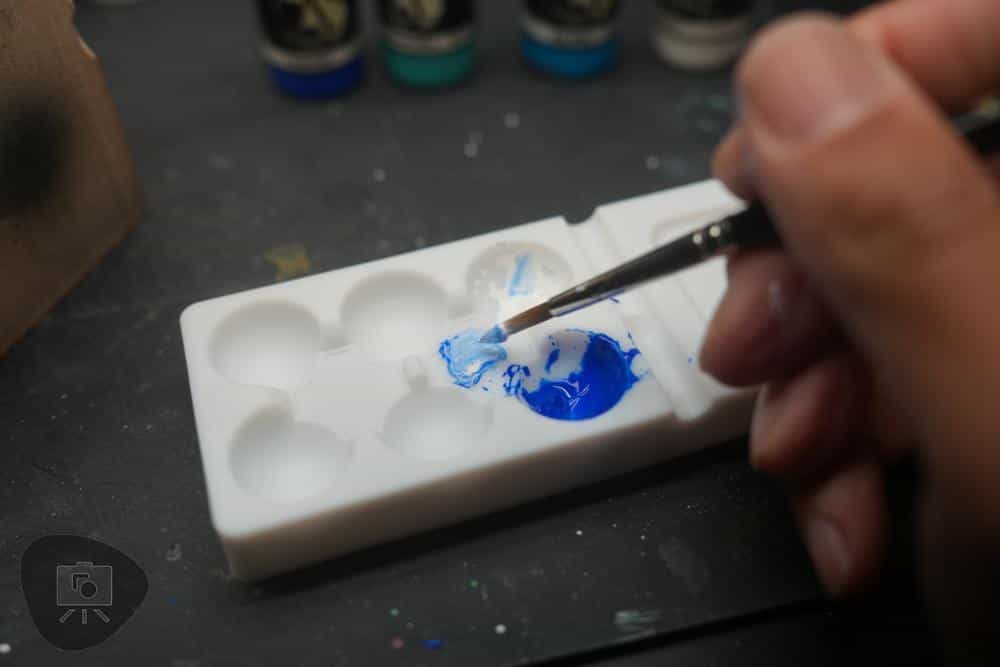
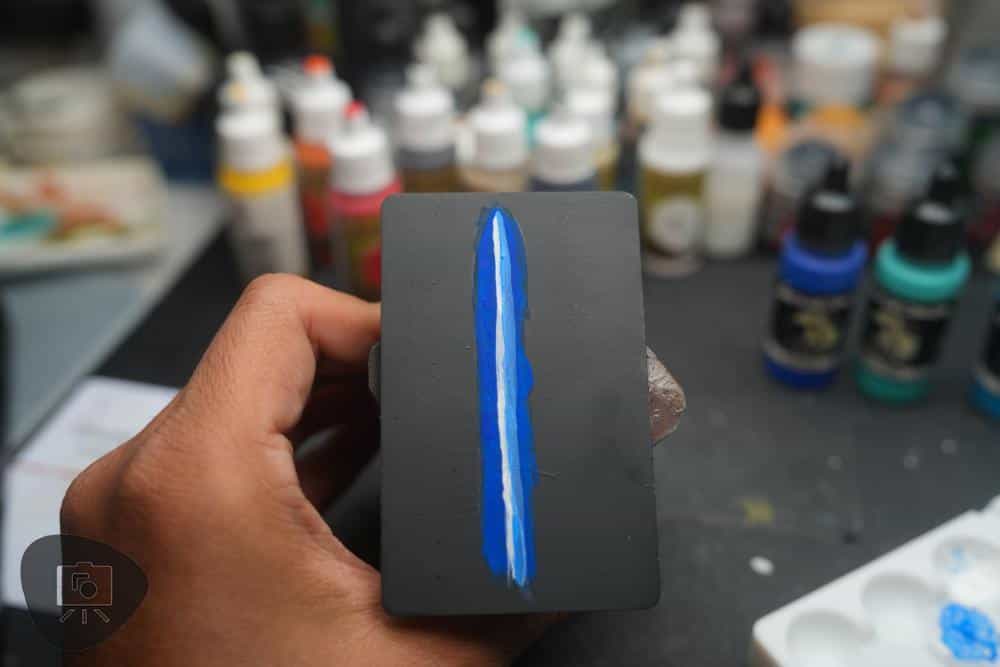
Mix Tesla Blue + White ~1:1 with a touch of water. Paint a narrow band where white meets blue. This creates a clean bridge between extremes.


7) Layer to blend (the easy way)
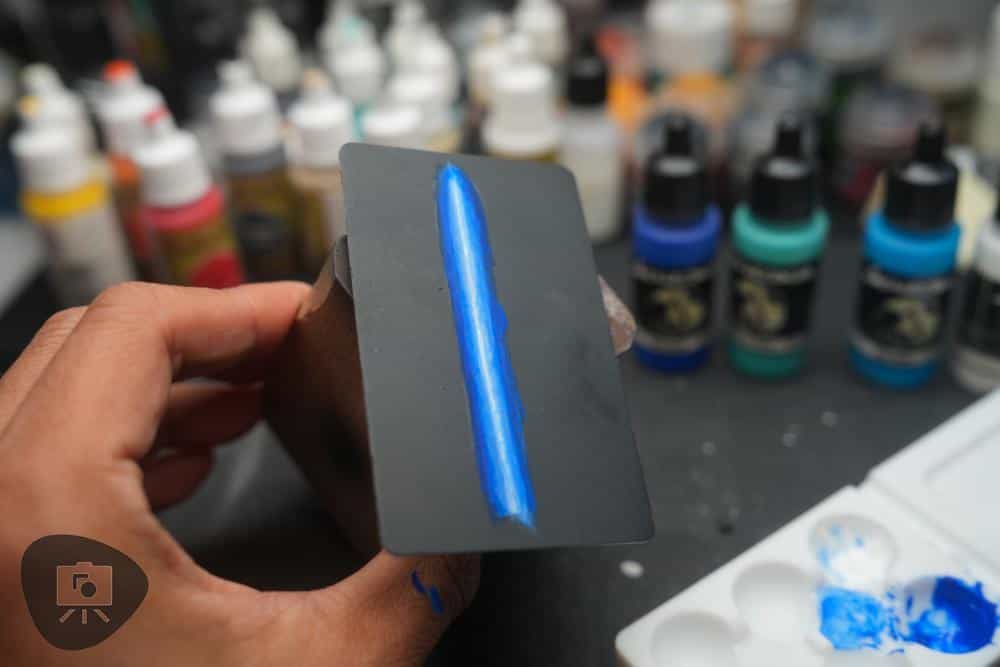
Thin paint to skim-milk consistency and feather short strokes along the seam. Let it dry. Repeat with slightly lighter or darker mixes to nudge the transition. If you like veil-thin passes, try glazes: glazing tutorial and NMM layering & glazing. Explore broader methods in 8 paint blending techniques.


8) Sharpen the glow
Re-touch the white core in the brightest spots. Add select edge highlights with a pale blue-white mix along the silhouette edge.
9) Try painting the OSL glow on a miniature (same technique; different surface)
Ready to move from the practice card to a model? Use the exact recipe on a simple part—blade, axe edge, plasma coil, lens, or power cell. Prime as usual, then lightly mark your core line so placement stays consistent across facets.

Apply the steps on the miniature:
- Lay a smooth base (e.g., Tesla Blue) on the target part; keep panel lines clean.
- Place the bright white core; taper it toward tips or ridge transitions.
- Bridge with a 1:1 blue-white mid-tone along the core seam.
- Layer thin passes to blend; treat each facet or panel as its own mini-gradient.
- Glaze Sky/Caribbean Blue for color interest where needed.
- Add subtle OSL spill: ultra-thin glazes on nearby surfaces facing the core, fading to nothing at the edge.
- Pop the effect: rehit the white core, add selective edge highlights, and tidy overspill.


Want scene-lighting examples? Try these OSL builds: OSL on 3D prints and OSL on bases for placement ideas and spill control
Troubleshooting
- Streaks in the blue base → Use more water, less paint. Two or three thin coats beat one heavy coat. See how to thin paints.
- Chalky white → Add a touch of glaze medium and build with two light passes.
- Glow looks dull → Increase the value gap: brighten the core and darken edges; tidy with a black surround.
- Harsh steps between values → Mix a fresh in-between tone and glaze it on the seam. Let it dry before judging.
Timing and pace
Plan 30-40 minutes. Most of that is dry time between layers. Short, calm passes create cleaner transitions than long, wet smears. You can use a cheap hairdryer to speed things up.

Color recap
- Core: Pure White
- Mid bridge: Tesla Blue + White (≈1:1, adjust as needed)
- Base: Tesla Blue
- Flavor glazes: Sky Blue, Caribbean Blue

Light matters
Good workspace lighting helps you see edges and blends. Start here: Fix your lighting for focus, plus gear ideas in the Neatfi XL review and SOLO task lamp overview.

What’s next
This drill gives you the muscle memory and value control. I’ll follow up with a separate article applying the same steps on an actual miniature part—including bevel management, panel breaks, and hilt transitions.
Enjoying Your Visit? Join Tangible Day
Free newsletter with monthly updates (no spam)





Tangible Day on YouTube (Miniatures and More!)